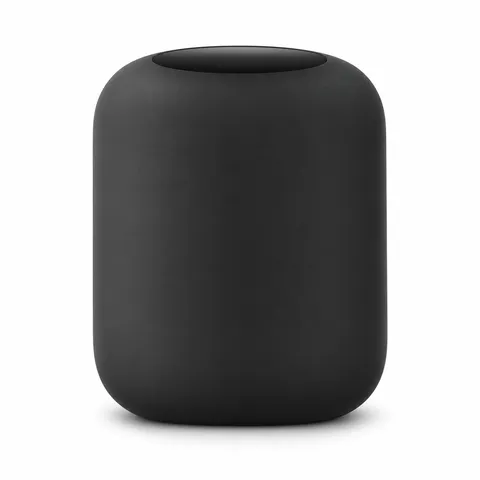
Smart Speaker
A guest-room speaker for voice interaction and compatible room controls.

Plan lighting, curtains, climate and access around what guests need during a stay and how staff prepare rooms between stays.

Use these equipment references to plan your guest rooms. Check how each device fits your room layout, wiring and controls before selection.
A guest-room speaker for voice interaction and compatible room controls.
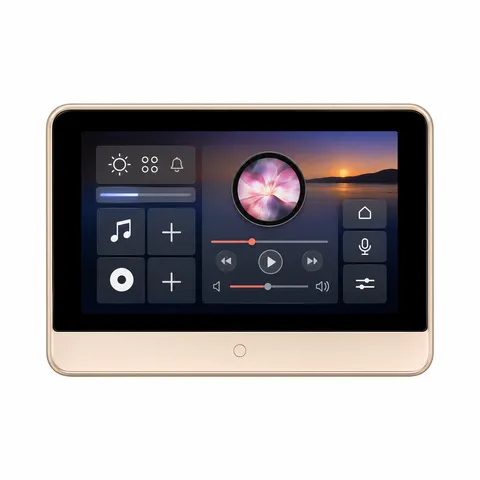
A room panel that provides an interface for compatible guest controls and voice commands.

A gateway for connecting compatible devices within a guest room.
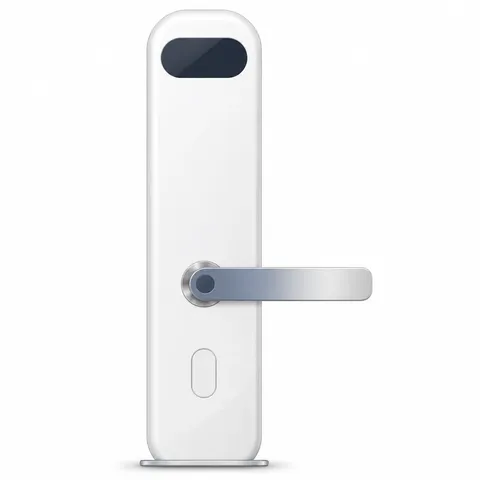
An electronic lock for controlled access to a guest room.
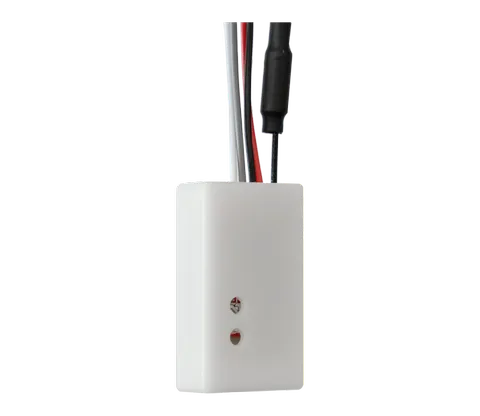
An electronic cylinder for a compatible guest-room lock assembly.
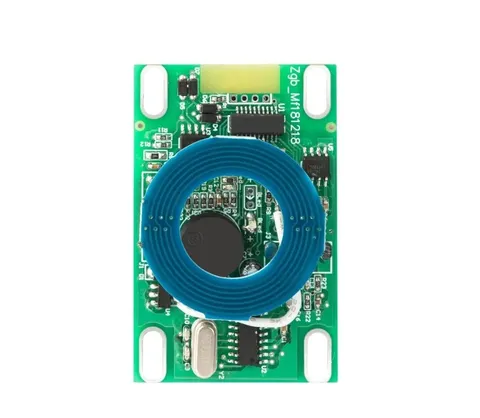
An assembled circuit board for integration into compatible electronic locking hardware.
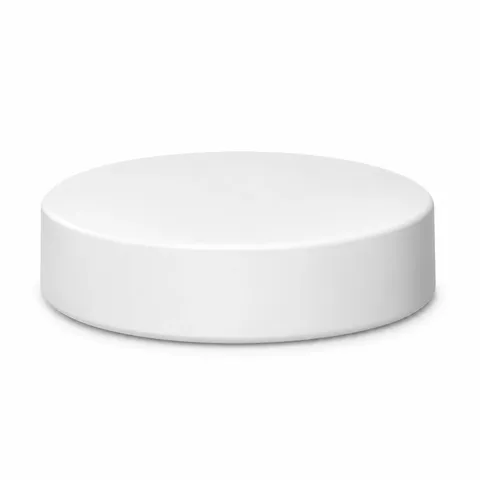
An ultra-wideband sensor for detecting presence in a guest room.
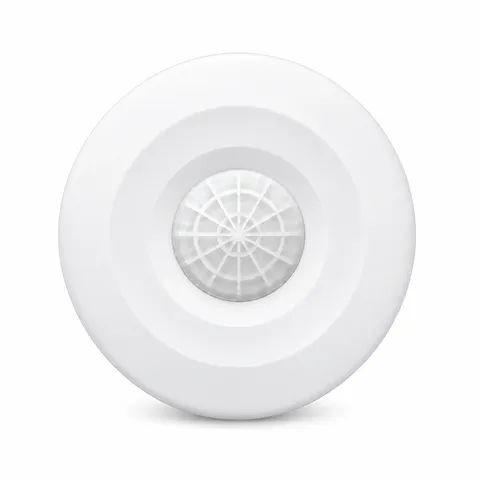
An infrared sensor that provides an input for guest-room presence detection.
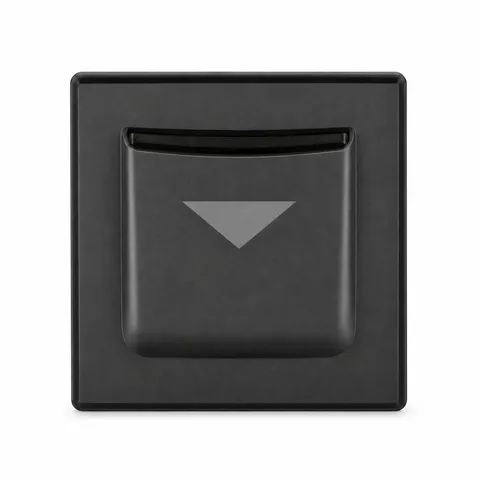
A card-operated control for selected guest-room power circuits.
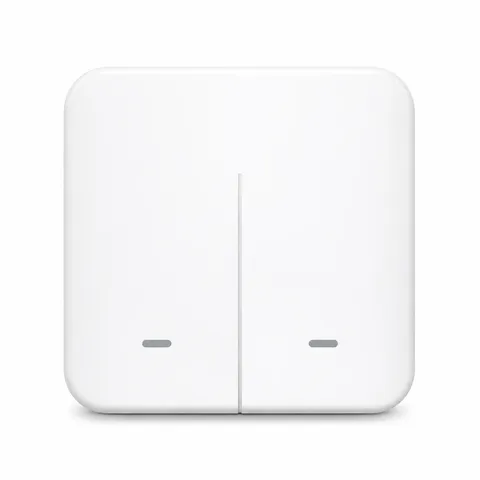
A single wall switch panel for several independently controlled room circuits.
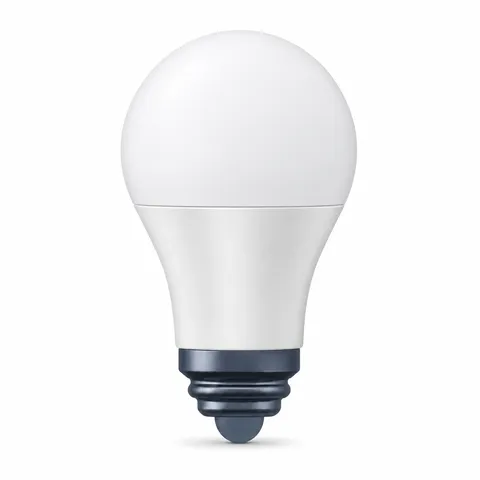
A connected bulb for a compatible guest-room light fitting.

A ceiling light for ambient or task lighting in a guest room.

A strip light for indirect or accent lighting around furniture and architectural details.

A low-level light for paths guests use at night.
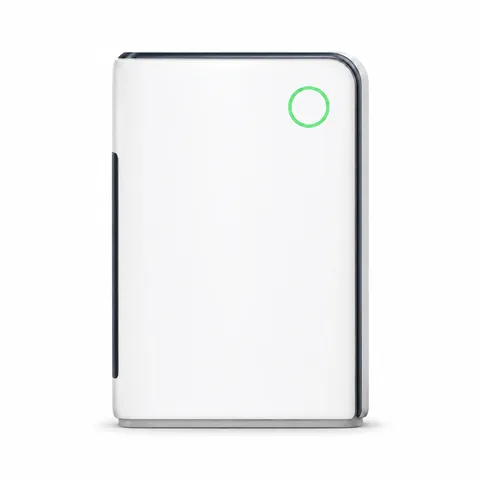
An in-room appliance for air filtration.
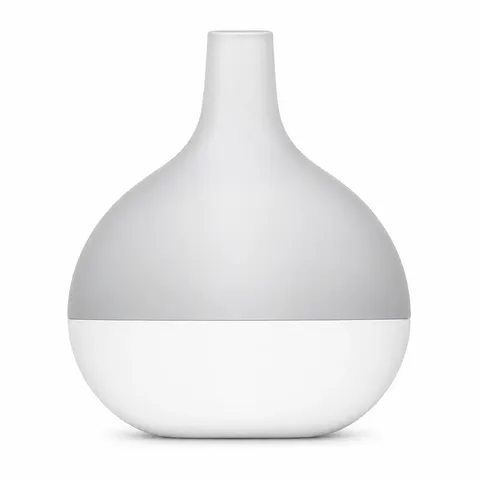
A room appliance for dispensing fragrance when the guest chooses to use it.
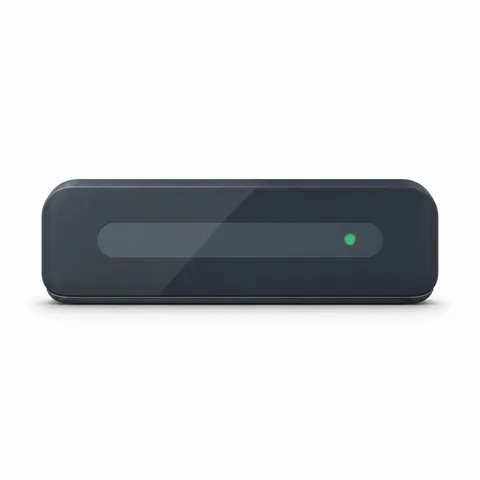
A guest-room television system for live and on-demand programming.
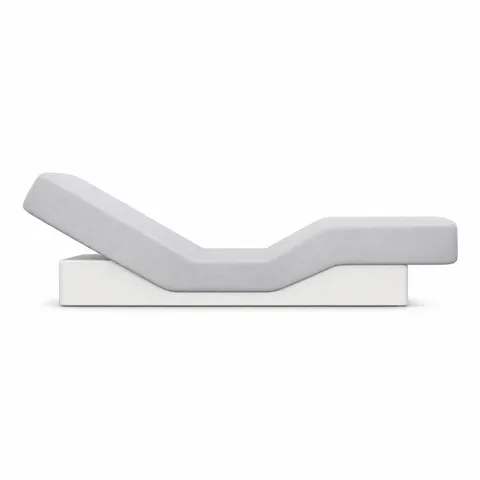
A connected bed for use in a guest-room sleep setup.
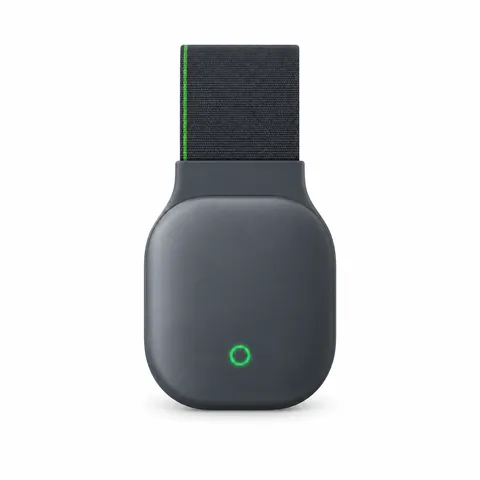
A strap-form sensor for a compatible sleep-monitoring setup.
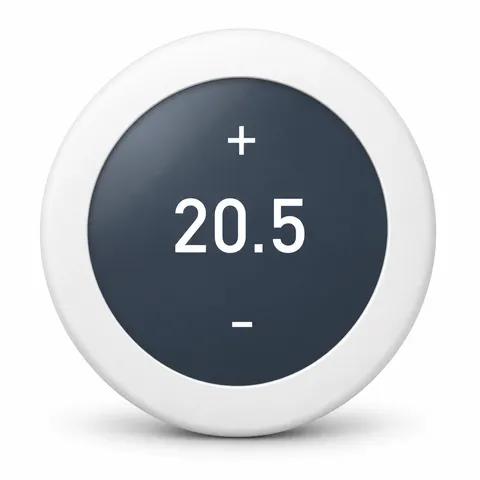
A room control for setting the temperature on compatible heating or cooling equipment.
A sensor that measures room temperature and relative humidity.
These example room settings give your team a starting point for deciding which controls belong at the door, at the bed, and elsewhere in the room.
Give guests an easy way to turn on entry and room lighting. Decide whether curtains or room temperature belong in the same setting.
Use bedside controls for reading lights and compatible curtains. Keep a separate light available for the route to the bathroom.
Group selected lights and nonessential loads at the exit. Check which equipment must remain powered while the guest is away.
Set a default room state for the next arrival. Agree on who restores it and who follows up when a control needs attention.
Bring the property’s electrical, network, and operations teams into the review. Compatibility depends on the equipment already in place and the intended room behavior.
Record the supply voltage, wiring and wall boxes, connected loads, dimming method, motor type, and climate equipment. Check the ratings and fit of each candidate model.
If check-in or check-out should trigger a room setting, confirm with the property management system (PMS) provider which events can be shared. Validate the integration separately from the choice of room devices.
Check room coverage, network access rules, and how the team would replace or reconnect a device. Identify the lights, switches, and curtain controls that need to remain usable during a network outage.
Identify the circuits that can be switched or measured and how staff would use the readings. Record baseline and pilot readings before setting a savings target.
Start with a representative room. Use the pilot to learn what guests and staff can operate easily and which settings should carry over to other rooms.
Share a representative room plan, the equipment already installed, and the first controls you want to test.